AutoShelf
Auto-organize files on your Mac with MCP & CLI support
What it does
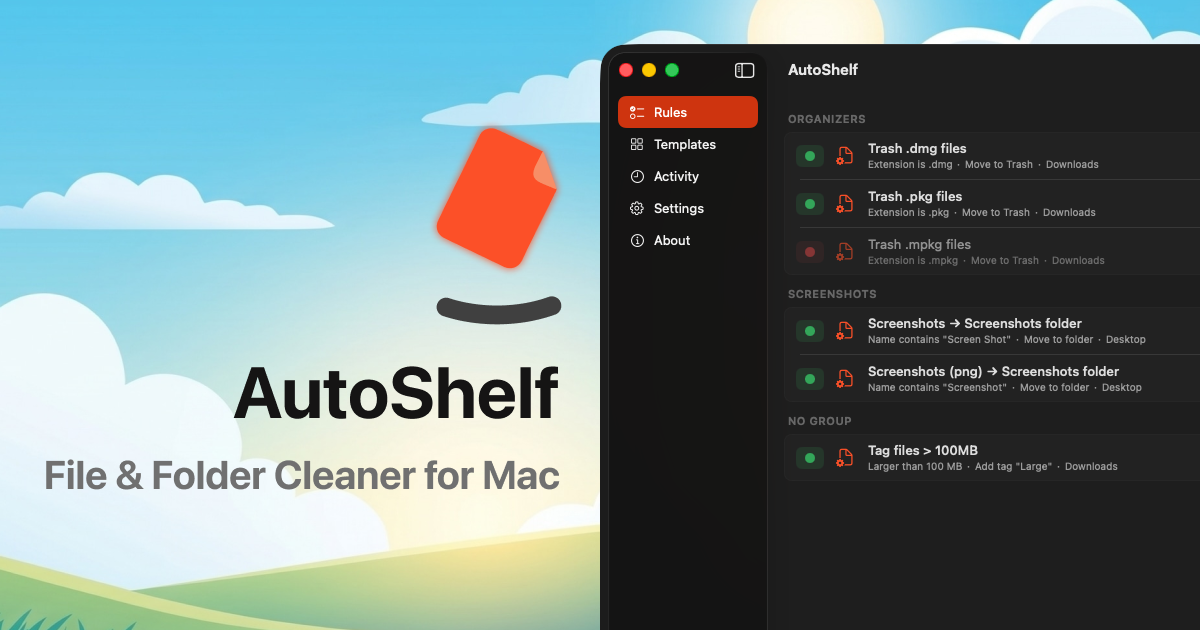
AutoShelf is a macOS app that watches your folders and automatically moves files where they belong based on rules you set. It lives in your menu bar, silently organizing files without interrupting your workflow. With built-in templates like "Organize Downloads" by file type, "Auto-delete DMGs," "Clean Desktop," "Sort by Source," and "Auto-trash Installers," you can start organizing in seconds. For more complex needs, you can create multi-condition rules combining file type, source URL, download app, size, age, and filename. Actions include move, copy, rename, tag, trash, archive, and even optimize JPGs and PNGs to reduce file size without visible quality loss. AutoShelf also reads the download URL and tracks which app (Safari, Chrome, Arc, Finder) downloaded a file, allowing routing based on source. The app is free with one rule; unlimited rules cost $19.99 one-time (no subscription). It requires macOS 13 Ventura or later and runs on both Apple Silicon and Intel Macs.
Who it is for
AutoShelf is designed for anyone who downloads files on a Mac and wants to keep them organized automatically. It specifically targets:
- Developers: Clone repos, download SDKs, save patches. Route .zip, .tar, .css, .js files to your dev workspace by source, type, or name.
- Photographers: Sort RAW files, exports, client assets, mood boards into organized project folders by file type, size, or date.
- Digital Hoarders: Auto-trash old installers, duplicate PDFs, and unopened zips; archive what matters.
- Freelancers: Route invoices, contracts, deliverables to project folders; trash noise; tag items needing review.
- Students: Sort lecture slides, readings, assignments, and research papers by course, type, or semester.
- Everyone Else: If you've ever spent 20 minutes looking for a file you downloaded yesterday, AutoShelf is for you.
Why it matters
Manual file organization is tedious, repetitive, and easy to neglect. AutoShelf automates this chore, saving time and reducing clutter. Its offline operation (no analytics or network calls) ensures privacy. The addition of a CLI and MCP server extends its utility: you can control AutoShelf from the terminal or connect it to AI assistants like Claude or Codex to let those agents manage your file organization rules. This positions AutoShelf as a modern bridge between traditional Mac utilities and emerging AI workflows. The one-time payment model (versus subscription) is also appealing for a utility app.
Launch signal
AutoShelf is currently on its second launch (AutoShelf 2.0) on Product Hunt, with fresh updates including CLI support and an MCP server. The roadmap shows active development: upcoming features include AI-powered rules (describe what you want in plain language), a rule creation wizard, file conversion (HEIC→JPG, MOV→MP4, WAV→MP3), cloud storage uploads (iCloud, Dropbox, Google Drive), and auto-downloads from RSS, URLs, or torrents. This indicates a committed team and a product evolving based on user feedback.
Brand and naming
The name "AutoShelf" clearly conveys the product's core value: automatic organization (auto) and storage (shelf). It is concise, memorable, and easy to spell. The brand positions itself as a modern macOS utility, emphasizing MCP and CLI capabilities to appeal to power users and developers. The domain useautoshelf.com is straightforward. However, the name could be confused with physical shelf automation solutions or other digital organization tools. Overall, it effectively communicates its purpose and target audience.
Founder
Orçun İlbeyli
Related