Flyout
Rich-text notes that fly out from your Mac's screen edge
What it does
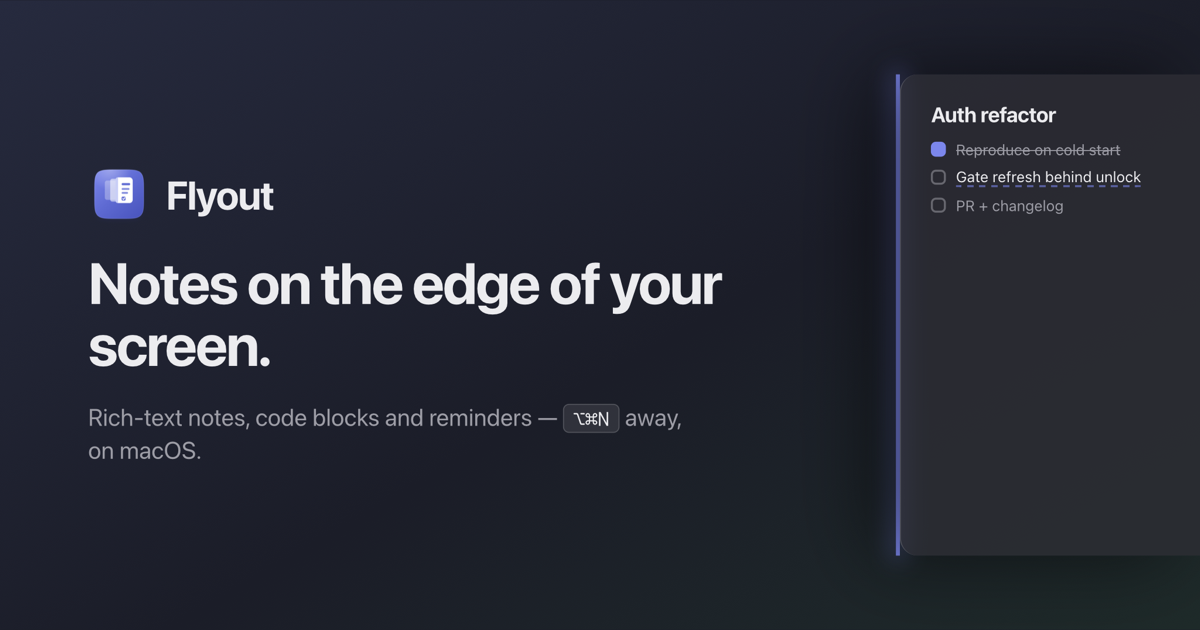
Flyout is a native macOS app that provides a rich-text editor that slides out from the screen edge. You can nudge the right edge or press ⌥⌘N to trigger it. It supports checklists, reminders, folders, images, code blocks, and iCloud sync. Notes are stored as plain Markdown and never touch the company's servers. It offers a lifetime license with a 7-day free trial.
Who it is for
Flyout is designed for developers and anyone who writes — people who need quick access to notes with rich formatting. It's for Mac users who want an always-available editor that doesn't disrupt their workflow.
Why it matters
Most note apps are either too slow (requiring window management) or too simple (scratchpad without structure). Flyout combines the speed of a scratchpad with the power of a rich editor, including code blocks, task lists, images, and reminders. It stays out of the way until needed, then slides back.
Launch signal
Flyout launched on Product Hunt on the day of this profile. A 25% launch discount is active: lifetime license reduced from $24 to $18 with promo code LAUNCH25. The app had 44 followers on Product Hunt at launch.
Brand and naming
The name 'Flyout' is short, active, and directly describes the core action of the app—notes that slide out from the screen edge. It's memorable and easy to type, though the .app domain is not used (the site uses getflyout.app). The tagline and website clearly position it as a rich-text note-taking tool for macOS that stays out of the way until needed, emphasizing speed and native feel. The positioning is strong: a developer-focused, native Mac app that solves the friction of quick note access without switching windows.
Founder
Görkem Yıldırım
Related