
Figma Sells Multiplayer Canvas, Not Mockup Files
Figma Sells Multiplayer Canvas, Not Mockup Files
Design-tool marketing still sells files: export a PNG, attach a Sketch doc, email the latest mockup. Figma sells that workflow too—but the durable bet is quieter. Figma is a multiplayer document platform with a custom GPU renderer that happens to draw rectangles. Judge it on whether your designers and engineers actually share one living file—not on whether "Figma" clears a generic brand-naming worksheet.
The breakthrough was rendering, not positioning
Dylan Field and Evan Wallace met as computer science students at Brown University. Field took a Thiel Fellowship in 2012—a $100,000 grant conditioned on leaving school—and moved to San Francisco with Wallace to build creative tools in the browser. They tried drone software, meme generators, 3D experiments, and photo-editing ideas before committing to interface design (Wikipedia, Brown Daily Herald 2012 coverage).
The technical unlock came earlier. In April 2011, Wallace demoed a WebGL reimplementation of a server-side image API in the Brown CS lab. Field's 2015 launch essay describes the moment: browsers finally had enough GPU access to run professional-grade graphics, not just documents. That insight—not a category map—became the company.
Wallace spent roughly three years building before Figma Design's public launch in September 2015. The product thesis in Evan Wallace's engineering post is blunt: HTML, SVG, and 2D canvas were not good enough for infinite-canvas vector work, so Figma implemented a renderer from scratch in WebGL—masking, blurring, nested opacity, blend modes, anti-aliasing on the GPU. Peripheral UI uses React and TypeScript; the canvas does not.
Field told Stratechery in 2026 they dogfooded Figma to design Figma and realized launch without real-time collaboration was impossible—"you share a link and if my browser force-reloads every time you edit, it sucks." Multiplayer was a launch gate, not a v2 feature. That product decision is why Figma beat file-based tools that bolted on sync later.
Architecture: a browser inside a browser
Figma's moat is not "cloud storage for artboards." It is the stack underneath:
| Layer | What it does | Why it matters | | --- | --- | --- | | C++ core → WebAssembly | Document model, layout, rendering compiled via Emscripten | Same C++ runs in-browser and in server-side render paths (Figma WASM post) | | Custom GPU renderer | Tile-based engine; WebGL historically, WebGPU migration with Dawn for native parity (WebGPU post) | Bypasses browser DOM for canvas performance | | Internal document tree | Own scene graph, compositor, text layout—"browser inside a browser" | Explains why Figma feels native despite running in Chrome | | Multiplayer sync | Operational-style updates on shared documents | Link = live room, not attachment | | React shell | Panels, menus, plugin chrome | Keeps app UI separate from render hot path |
WebAssembly cut load time by more than 3× across document sizes (Figma's own benchmarks)—critical when teams hop between large design systems files all day.
Architecturally, Figma is SaaS with optional desktop wrappers (Electron shells around the same web app). The file is authoritative in Figma's cloud; .fig export exists, but design-system tokens, Dev Mode specs, and comment history do not round-trip cleanly into Sketch-era workflows. Plan migrations accordingly.
Product expansion: one canvas, many invoices
Figma's roadmap is land on design, expand across the product-development surface—same multiplayer substrate, new SKUs:
| Era | What shipped | Strategic move | | --- | --- | --- | | Sept 2015 | Figma Design public launch | Web-native vector + multiplayer | | 2021 | FigJam | Whiteboarding on shared infra | | 2023 | Dev Mode | Developers inspect specs inside the same file | | 2024 | Figma Slides | Presentations without exporting to Keynote | | 2025 | Figma Sites, Make, Buzz, Draw, Weave | Sites, AI generation, marketing assets, vector tooling, weave integrations | | Mar 2025 | Pricing/packaging overhaul; AI credits on seats | Monetize AI without giving away inference |
The 2025 10-K frames the company as evolving from a single design editor into an AI-powered product-development platform spanning ideation through code handoff—with the caveat that much of the 2025 SKU surface has limited operating history at current pricing.
Dev Mode and MCP integrations (2025–2026) matter for architecture buyers: design files become machine-readable context for coding agents, not static PNG handoffs. That is the modern replacement for "export redlines to Zeplin."
Adobe's $20B detour—and what independence bought
On September 15, 2022, Adobe announced an agreement to acquire Figma for approximately $20 billion in cash and stock—the largest deal in Adobe's history. Adobe shares fell sharply; designers feared Creative Cloud bundling and price hikes. Regulators in the U.S., UK, and EU opened reviews.
On December 18, 2023, both companies abandoned the merger. Adobe cited no clear path to required regulatory approvals; under the breakup terms, Adobe paid Figma a $1.0 billion termination fee (SEC 424B4). Figma stayed independent with a war chest and fifteen months of global antitrust spotlight.
Financial milestones worth keeping straight:
- 2024 revenue: $749.0 million (+48% YoY per SEC filings)
- 2025 revenue: $1.056 billion (10-K); ~1,886 employees
- 2024 net loss: $732.1 million—heavily driven by stock-based compensation, not operating collapse
- IPO: July 31, 2025 on NYSE (FIG); IPO price $33, first-day close ~$115.50 (Forbes)
The narrative whiplash is real: from "Adobe acquisition validates design" to "public market AI skepticism" within two years. Field's public stance—design and AI are complementary on a shared canvas, not a replacement for direct manipulation—shows up in Config keynotes and the Stratechery interview. Whether the market agrees is a valuation question; whether the architecture supports both modes is an engineering fact.
Competitors: same brochure, different custody
| | Figma | Sketch | Canva | Framer | Adobe Creative Cloud |
| --- | --- | --- | --- | --- | --- |
| Core unit | Multiplayer web document | Local .sketch file + cloud add-ons | Template-led canvas | React-native site builder | Photoshop/Illustrator/XD stack |
| Sweet spot | Product design systems, eng handoff | Mac-native agencies, plugin power users | Marketing/social, non-designers | Marketing sites, design-to-publish | Print, photo, video pros |
| Weak spot | Offline/latency; enterprise admin complexity | No true browser-native multiplayer history | Not a professional UI systems tool | Less depth for large design systems | XD stagnation post-deal collapse |
| Collaboration | Link-native, built in | Added later via cloud | Real-time but not dev handoff-centric | Project sharing | Creative Cloud libraries |
| AI posture | Figma Make, canvas agents, MCP | Limited | Magic Write/Design | AI layout generation | Firefly across suite |
Choose Figma when design, PM, and engineering must share one file with Dev Mode or MCP—and you will invest in component libraries and permissions hygiene.
Choose Sketch when the team is Mac-only, lives in plugins, and prefers file custody on disk.
Choose Canva when outputs are social/marketing assets, not shipped UI components.
Choose Framer when the goal is a published marketing site, not a cross-platform design system.
Choose Adobe when photography, video, and print dominate—not when you need multiplayer UI at Figma's depth.
China: link tools vs. compliance gravity
Figma is widely used in Chinese internet and DTC teams—but the design-tool market in China has its own center of gravity:
- Access friction. Figma's web app is reachable for many teams but not as frictionless as domestic SaaS; latency, login stability, and payment (USD billing, foreign invoices) matter for procurement.
- Domestic alternatives. MasterGo(莫高设计) and Pixso(博思云创) position as Figma-compatible: file import, real-time collaboration, private deployment options, and AI features tuned for local orgs. Industry reports co-published with MasterGo cite ~79% domestic collaborative-design share for MasterGo in 2025—treat vendor-sponsored stats skeptically, but the enterprise default in regulated China is often local.
- Compliance. State-owned enterprises, finance, and government projects frequently require data residency, domestic vendor qualification, and air-gapped deployment. Figma's US SaaS model does not fit those RFPs; MasterGo/Pixso win on policy, not shader quality.
- Workflow reality. Many Chinese product teams run Figma for exploration + MasterGo for delivery, or standardize on domestic tools after a Figma pilot. Migration is file import, not culture import—component naming and design-token discipline still need owners.
- Figma IPO ripple. Figma's July 2025 listing renewed attention on Pixso as a "China counterpart" in local financial press (中证网)—investment narrative, not a feature comparison.
For cross-border teams, the decision is often two tools, one design system spec—not a single-vendor fantasy.
The name and domain (briefly—facts beat folklore)
The old startup-showcase template treated naming as the headline. The verified story is shorter:
- Founders wanted a name that was short, pronounceable, Googleable, and available on
.com. Commonly cited inspiration: Japanese フィグマ (figma) articulated figures—interactive objects you pose and recombine—though primary founder quotes on that etymology are thinner than the engineering posts. figma.comis the product URL, marketing home, and the hostname designers paste in Slack.figma.appexists as a defensive registration, not the primary brand—same pattern called out in the.appdomain guide for Figma, Notion, Slack, and Zoom.- Ticker FIG after IPO is accidental mnemonic luck.
That is a domain story, not a naming-pillar scorecard.
What to verify before your team standardizes on it
- Library governance. Without owners for components and tokens, files become fork graveyards. Assign a design-system librarian before you assign seats.
- Dev Mode / MCP scope. Confirm which plans expose code Connect, MCP servers, and AI credits—and whether engineers will actually consume specs in IDE, not just admire them in browser.
- Export drill.
.figand PNG export work; design-token automation and comment threads may not survive a move to domestic tools. Run a quarterly export rehearsal if Figma is system-of-record. - China procurement. If compliance requires domestic custody, decide upfront: Figma for global partners, MasterGo/Pixso for mainland delivery—or one tool with written exceptions.
- AI credit math. March 2025 packaging adds AI credits per seat with enforcement from March 2026 (10-K). Model heavy Make usage before Finance sees overages.
Figma's competitive edge is not the prettiest slide in a design-tools RFP. It is multiplayer-first architecture on a custom GPU renderer—a bet that links beat attachments, survived a $20 billion acquisition collapse, and went public anyway. Price the canvas—and run the export drill before the template library wins the pilot vote.
Related

PokerJudge: The Free All-in-One Poker Suite with GTO Tools & AI Coach
PokerJudge is a comprehensive poker analysis platform that combines GTO strategy tools, bankroll tracking, AI coaching, hand import, live session logging, opponent analysis, and training—all synced across iOS and web, for free.
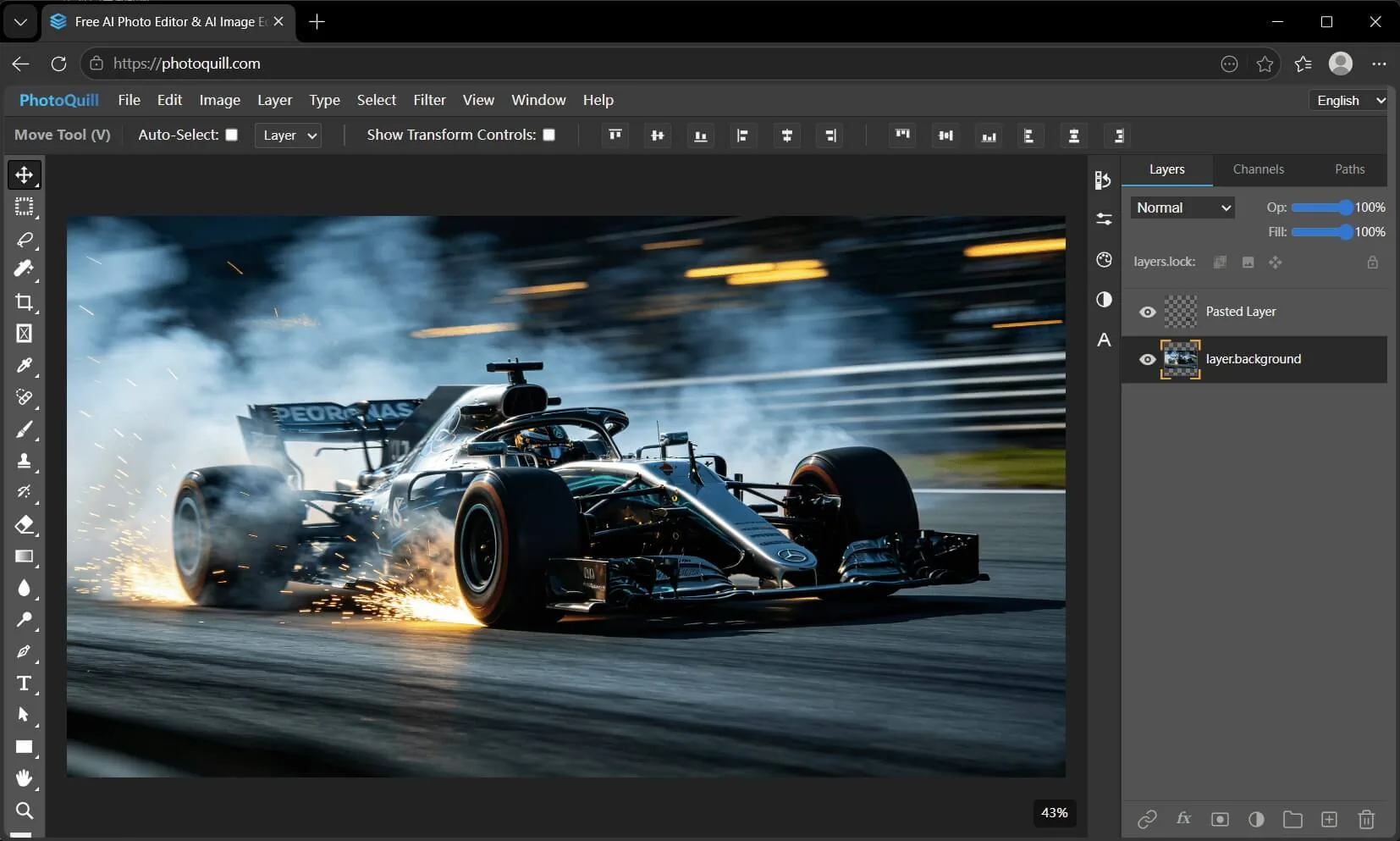
PhotoQuill: From Snap to Sonnet – AI That Turns Photos into Poetry While Editing Like a Pro
PhotoQuill combines a free, WebGPU-accelerated Photoshop alternative with an AI that generates unique poetry from your photos. Edit PSDs privately in-browser, then instantly transform any image into a personalized poem—perfect for gifts, social media, or creative memory keeping.
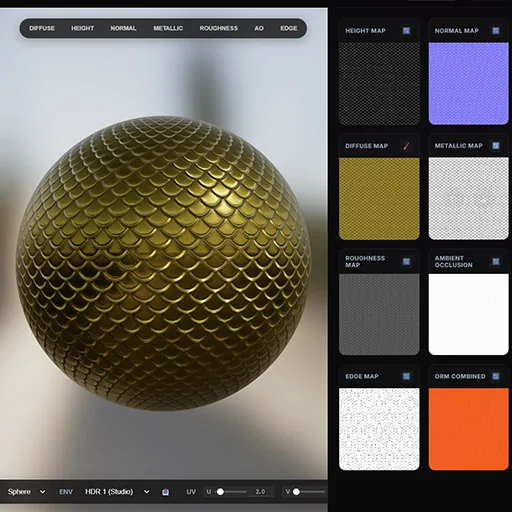
NormalMap AI: Instant PBR Textures in Your Browser – A Complete Review
NormalMap AI is a browser-based tool that leverages AI to generate PBR textures from 2D images, offering privacy and speed through local GPU processing. This review covers its features, use cases, and why it's a game-changer for 3D artists.