Snaply: The Mac-Native AI Assistant That Keeps Your Data Private While Boosting Productivity
Product Curation & Core Value
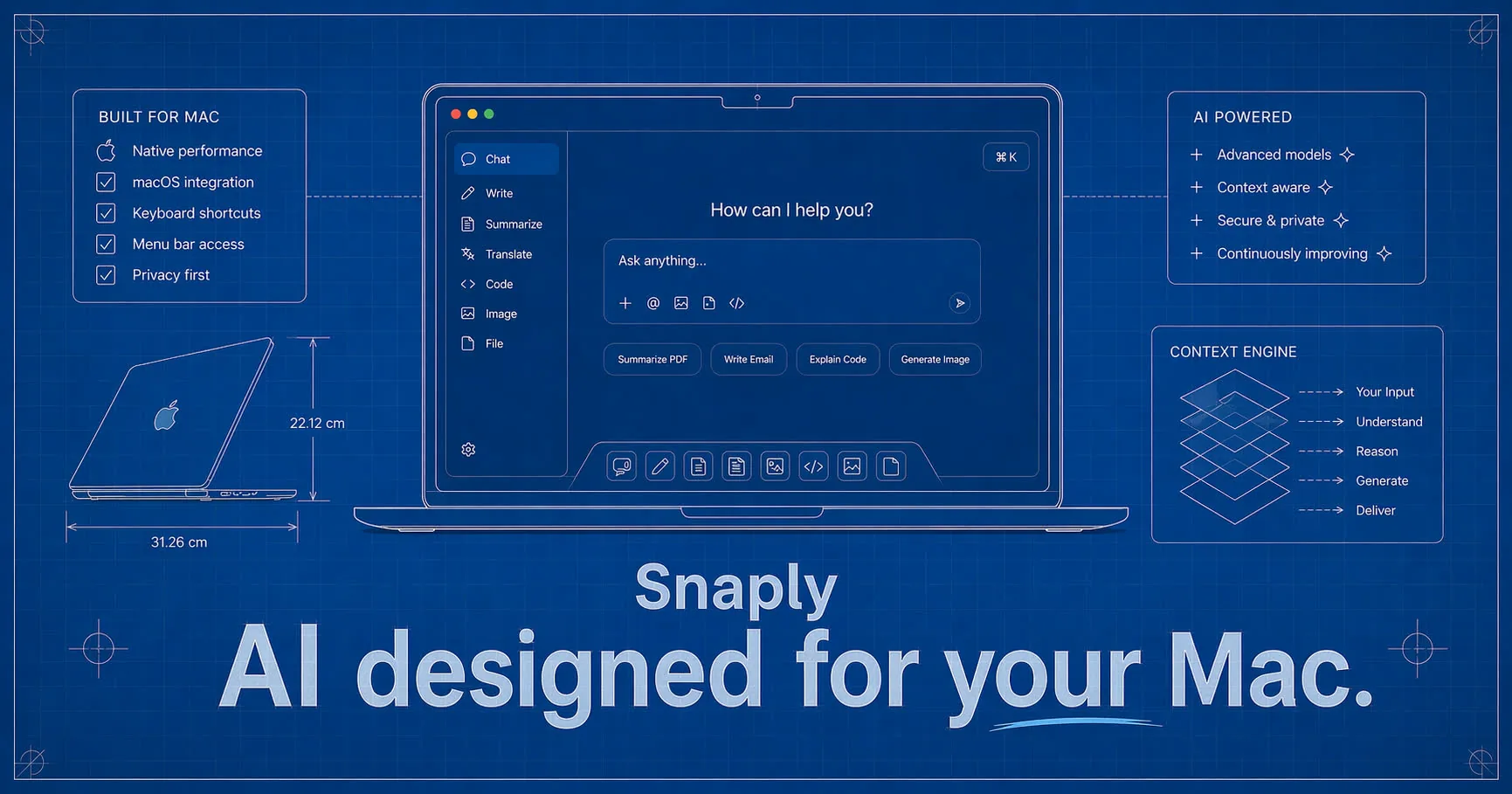
Snaply positions itself as a Mac-native AI assistant that tackles three of the most persistent productivity bottlenecks: typing speed, meeting recall, and writing quality. The product delivers instant dictation, automatic meeting notes, and writing assistance, all processed entirely on-device. The value proposition is straightforward: spend less time typing, fixing, and trying to remember what was said.
The dictation feature is the most immediately tangible. Users speak naturally into any application, and Snaply converts voice to text with high accuracy. This works across the entire Mac ecosystem—Slack, Gmail, Notion, Google Docs, and dozens of other apps. The key differentiator here is that the processing happens locally, which means no latency from cloud round-trips and no data leaving the machine. For professionals who dictate frequently, this removes the friction of waiting for cloud processing and the anxiety of sensitive information being transmitted elsewhere.
The meeting notes feature is arguably the most ambitious. Snaply joins meetings on Zoom, Google Meet, Microsoft Teams, and Webex, then automatically generates structured notes, summaries, and action items. The demo shows a clean interface with a weekly sync meeting summary that includes discussion points and assigned tasks. This is a crowded space—Otter.ai, Fireflies.ai, and others have been doing this for years—but Snaply’s local processing gives it a privacy angle that cloud-based competitors cannot match.
The writing assistant polishes grammar, adjusts tone, and clarifies rambling text. It works inline, meaning users highlight text in any app and get suggestions without switching contexts. The example shown—fixing “Im going to the store do you want anything” to “I’m going to the store. Do you want anything?”—is simple but effective. The assistant also supports translation into 100+ languages, which broadens its utility for multilingual professionals.
Snaply is free, requires no account, and targets individual Mac users. The absence of a pricing tier or account system is a bold move. It removes all barriers to entry but raises questions about sustainability. How does a free, no-account product generate revenue? The most likely answer is that Snaply is either a loss leader for a future paid product, a portfolio piece for a larger AI play, or funded by venture capital with a user-acquisition-first strategy. Either way, the current model is aggressively consumer-friendly.
Technical Implementation & Strategy
Snaply’s technical architecture is built around on-device AI models, which is both its strongest advantage and its most significant constraint. The company claims that all voice recordings, text, and meeting data never leave the Mac. This is achieved by running local AI models for speech-to-text, natural language processing, and summarization. The decision to go local rather than cloud-based is a deliberate trade-off: it sacrifices access to larger, more powerful models in exchange for privacy and offline functionality.
The on-device approach has several implications. First, it limits the complexity of the AI models Snaply can use. State-of-the-art language models like GPT-4 or Claude 3 require substantial cloud infrastructure. Snaply must rely on smaller, more efficient models that can run on consumer Mac hardware. This likely means using Apple’s Core ML framework or similar optimized runtimes. The trade-off is lower latency and complete privacy, but potentially less sophisticated output compared to cloud-based alternatives.
Second, Snaply’s integration with popular apps is extensive but relies on macOS accessibility features and system-level hooks. The product works with Slack, Gmail, Outlook, Notion, Linear, WhatsApp, iMessage, Google Docs, Google Sheets, Figma, GitHub, Jira, Zoom, Teams, Webex, and many more. This suggests deep integration with macOS’s accessibility APIs, allowing Snaply to intercept text input and output across applications. The technical challenge here is maintaining compatibility as macOS updates and apps change their underlying frameworks.
The meeting notes feature is particularly technically demanding. Joining Zoom, Google Meet, Teams, and Webex calls requires either browser extensions or system-level audio capture. Snaply likely uses macOS’s audio routing capabilities to capture meeting audio without needing separate integrations for each platform. This is a clever approach that reduces maintenance burden but may have limitations with encrypted audio streams or enterprise-grade security settings.
Snaply also integrates with AI chatbots like ChatGPT, Claude, and Perplexity, allowing users to speak queries instead of typing them. This is a voice-to-text bridge for AI tools, which is a smart way to extend functionality without building proprietary models. It positions Snaply as a universal input layer rather than a standalone AI product.
The decision to remain free and accountless is technically interesting. Without accounts, there is no user authentication, no cloud storage, no syncing across devices, and no usage tracking. This simplifies the product enormously—no backend infrastructure, no database, no API calls for user management. But it also means no user lock-in, no upgrade path, and no way to monetize directly. The technical simplicity is a double-edged sword.
Competitor Landscape & Industry Impact
Snaply enters a market already crowded with established players. The dictation space includes Dragon NaturallySpeaking, Apple’s built-in dictation, and Otter.ai. The meeting notes space is dominated by Otter.ai, Fireflies.ai, Gong, and Zoom’s own transcription. The writing assistant space includes Grammarly, ProWritingAid, and Hemingway Editor. Snaply’s attempt to combine all three into a single free product is ambitious but faces significant competitive pressure.
The most direct competitor is Otter.ai, which offers dictation, meeting notes, and writing assistance across web, mobile, and desktop. Otter.ai is cloud-based, which gives it access to more powerful models and cross-device syncing, but at the cost of privacy. Snaply’s on-device approach is a clear differentiator for privacy-conscious users, particularly those in legal, medical, or financial fields where data sensitivity is paramount.
Grammarly is the dominant writing assistant, with deep integrations across browsers, desktop apps, and mobile. Grammarly’s cloud-based models are more sophisticated than what Snaply can run locally, offering tone detection, style suggestions, and genre-specific recommendations. Snaply’s writing assistant is more basic, focusing on grammar and clarity rather than advanced style analysis. However, Grammarly’s premium tier costs $12 per month, while Snaply is free.
Fireflies.ai specializes in meeting notes and offers integration with 50+ platforms, including CRM systems like Salesforce and HubSpot. Fireflies is cloud-based and offers searchable transcripts, sentiment analysis, and topic tracking. Snaply’s meeting notes feature appears more basic, generating summaries and action items without the depth of analysis that Fireflies provides. Again, the trade-off is privacy versus functionality.
The industry impact of Snaply is likely to be modest in the short term. The product is Mac-only, free, and accountless, which limits its reach to a specific subset of users. However, its emphasis on on-device processing could push competitors to prioritize privacy features. Apple’s own dictation and transcription capabilities have improved significantly, and Snaply may be seen as a third-party alternative that fills gaps Apple has left open.
The biggest risk for Snaply is sustainability. Free products with no revenue model often struggle to maintain development and support. If Snaply is a passion project or a portfolio piece, it may not receive the ongoing investment needed to keep pace with competitors. If it is venture-backed, the pressure to monetize will eventually force changes—either introducing a paid tier, adding cloud features, or selling user data (which would contradict the privacy promise).
Brand Naming & Domain Identity Analysis
The name “Snaply” is short, punchy, and suggests speed. The “snap” prefix implies quick, effortless action—snap your fingers, snap a photo, snap decisions. The “-ly” suffix softens it, making it sound approachable rather than aggressive. This aligns well with the product’s focus on instant dictation and meeting notes. The name is easy to remember and easy to type, which is critical for a utility tool that users access frequently.
However, the name faces a distinctiveness problem. The “Snap” root is heavily associated with Snap Inc. (Snapchat), which has enormous brand recognition. Users searching for “Snaply” might accidentally land on Snapchat-related content. There is also the risk of confusion with other “Snap” branded products like Snap Assist, Snap Camera, or Snap Tools. The “-ly” suffix is also common in tech startups (Grammarly, Notionly, Briefly), making the name blend into a crowded landscape.
The domain choice is snaply.ai, which is a strong move. The .ai TLD immediately signals that this is an AI-powered product, which is increasingly valuable in a market where consumers actively seek AI tools. For a deeper analysis of why .ai domains are booming, see our .ai Domain Guide 2026. The domain is short, memorable, and matches the brand name exactly—no awkward hyphens or alternative spellings. This is a textbook example of good domain naming: the brand name and domain are identical, reducing cognitive friction.
The tagline “AI, designed for your Mac” is clear and targeted. It explicitly states the product’s category (AI) and its platform exclusivity (Mac). This is smart positioning because it sets clear expectations. Users know immediately that this is not a cross-platform tool, which prevents confusion and disappointment. The tagline also emphasizes “designed for,” implying a native, polished experience rather than a ported web app.
From a naming strategy perspective, Snaply follows the “short, catchy, .ai domain” playbook that many AI startups have adopted. The name is not descriptive—it does not tell you what the product does—but it is evocative. The challenge is that “Snaply” does not inherently communicate “dictation” or “meeting notes.” Users need to visit the website or see marketing materials to understand the product. This is acceptable for a free tool that relies on word-of-mouth and app store discovery, but it would be a disadvantage if Snaply ever needed to compete in search engine results against descriptive names like “Voice Dictation Pro” or “Meeting Notes AI.”
The decision to use a .ai domain rather than .com or .app is a calculated risk. The .ai TLD is premium and signals AI focus, but it is also associated with Anguilla, a small Caribbean island. Some users may be skeptical of non-mainstream TLDs. However, the .ai TLD has gained significant legitimacy in the tech industry, especially among AI startups. For context on how .ai domains have become a status symbol in the AI space, see our analysis of The .ai TLD Boom. Snaply’s domain choice is aligned with current naming trends and positions the brand as a modern AI-native tool.
Growth & Future Outlook
Snaply’s growth trajectory is difficult to predict because the product is free, accountless, and Mac-only. Without user metrics or funding information, we can only speculate based on market trends and competitive dynamics.
The most likely growth path is organic adoption through the Mac App Store and word-of-mouth. A free, high-quality tool that solves real problems can spread quickly among professionals who attend many meetings and write frequently. The privacy angle is a strong selling point for industries like legal, healthcare, and finance, where data security is paramount. If Snaply gains traction in these verticals, it could build a loyal user base that is resistant to switching.
The biggest growth constraint is the Mac-only limitation. The global laptop market is dominated by Windows, and even within the Mac ecosystem, not all users will find the tool compelling. Expanding to Windows and mobile would dramatically increase the addressable market, but it would also require significant engineering effort to replicate the on-device AI processing on different platforms.
Monetization is the elephant in the room. Snaply is free with no accounts, which means no recurring revenue, no advertising, and no data sales. The only plausible revenue models are: (1) introducing a paid Pro tier with advanced features, (2) selling enterprise licenses for team deployment, or (3) being acquired by a larger company that wants the technology or user base. The first option is the most likely, but it would require adding cloud features that undermine the privacy promise, or creating a tiered model where basic features remain free and advanced features require payment.
The competitive landscape will only intensify. Apple is investing heavily in on-device AI with its Apple Intelligence initiative, which could eventually make Snaply redundant. Grammarly is expanding into meeting notes and dictation. Otter.ai is adding more AI features. Snaply’s window of opportunity is narrow—it needs to build a loyal user base and establish a revenue model before the giants catch up.
The final verdict: Snaply is a well-executed, privacy-first AI assistant that solves real problems for Mac users. The product is polished, the integrations are extensive, and the free pricing removes all barriers to entry. The brand name is catchy but not distinctive, and the domain choice is strong. The biggest unknowns are sustainability and competitive pressure. If Snaply can find a way to monetize without betraying its privacy promise, it has the potential to become a staple tool for productivity-focused Mac users. If not, it may remain a niche utility that fades as larger players absorb its features.
Related
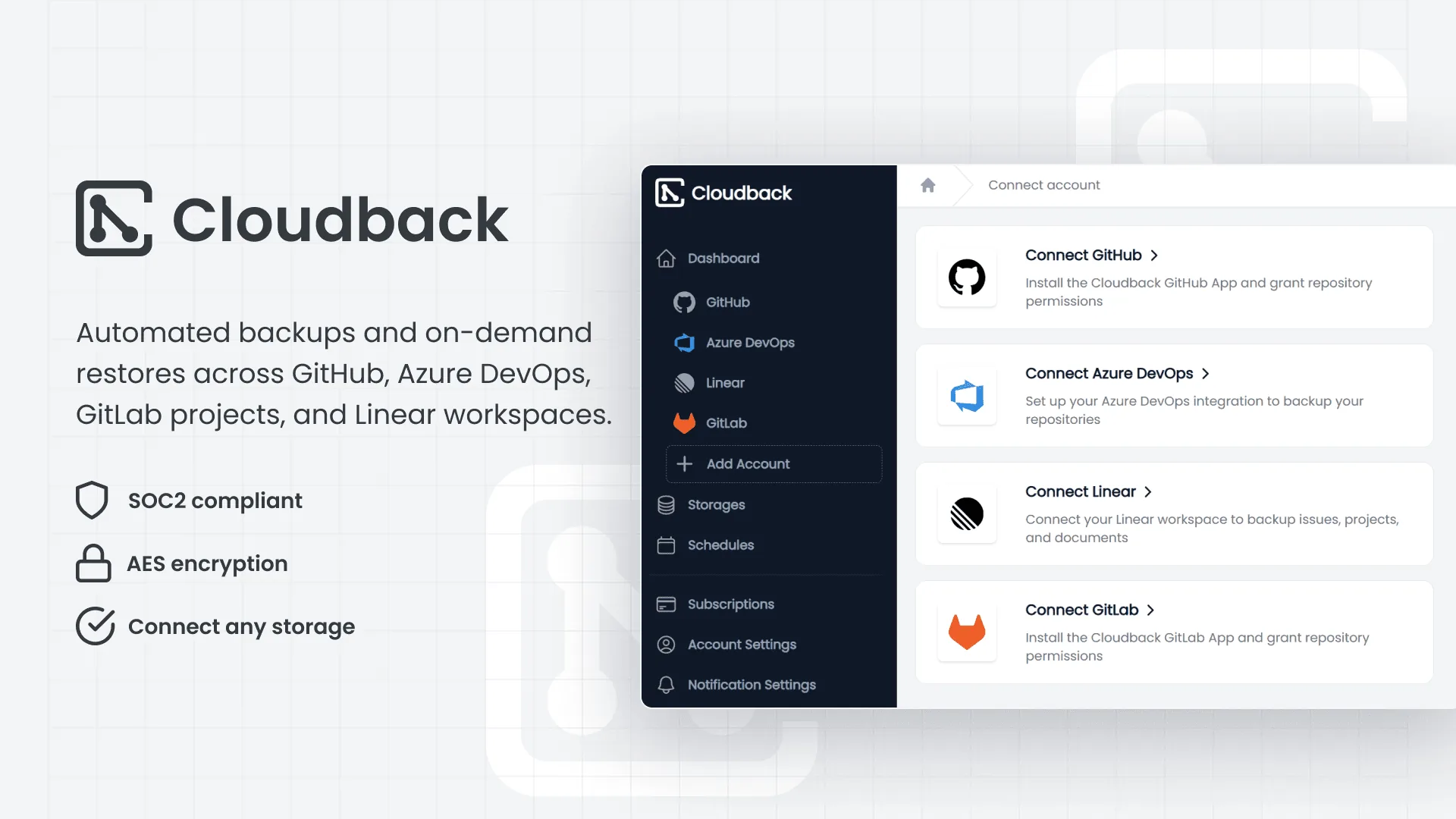
How Cloudback Is Redefining Developer Backup: Automated Daily Backups for GitHub, GitLab, Azure DevOps, and Linear
Cloudback provides automatic daily backups and instant restores for GitHub, GitLab, Azure DevOps, and Linear, capturing full repositories, metadata, and LFS objects. With over 1,700 customers and 4 million backups created, it offers SOC 2 Type II compliance, encryption, and flexible storage options.

Supabase: The Open Source Firebase Alternative Empowering Developers with Postgres
Supabase is an open-source backend-as-a-service that provides a full Postgres database, authentication, instant APIs, and more, trusted by companies like Mozilla and GitHub.
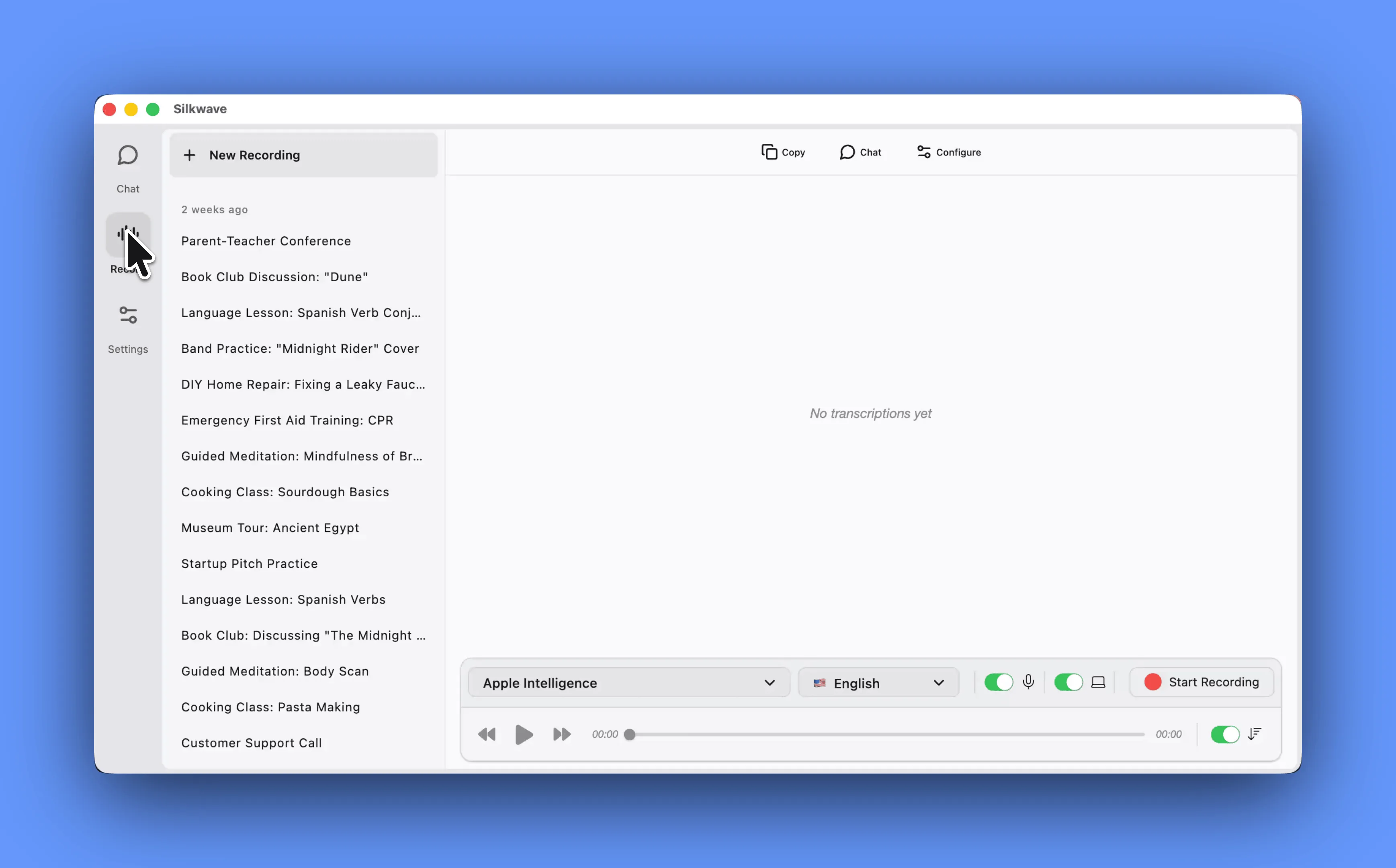
Silkwave Voice: On-Device AI Transcription for macOS – Private, No Subscriptions
Silkwave Voice is a macOS app that records and transcribes meetings, lectures, and podcasts in 10+ languages using Apple's on-device models, with ChatGPT-powered summaries and AI chat—all processed locally for privacy.